Brand kit
The zenCamp brand. Ready to use.
Logos, app icons and colors for press, partners and directory listings. Use them as they are; the guidelines below cover the rest.
Every logo and icon below, plus a color reference.
Logo
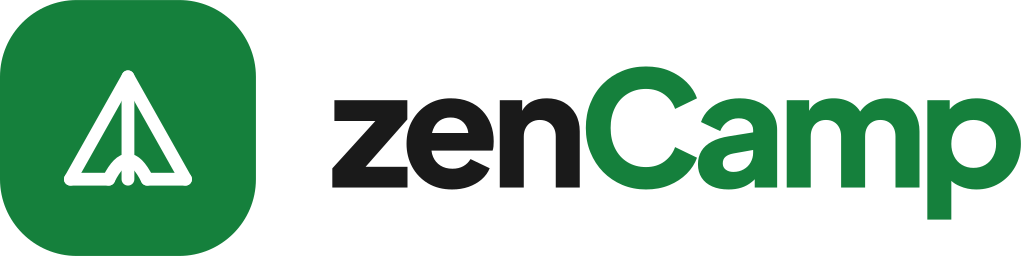
The tent tile and the wordmark together. Use the light version on light backgrounds and the dark version on dark ones. The one-color versions are for print, single-color production and busy backgrounds.

Logo, light backgrounds

Logo, dark backgrounds

Logo, one color black

Logo, one color white
Mark
The tile on its own, for avatars, favicons and anywhere the full logo won't fit. The color mark reads on both light and dark backgrounds.

Mark, any background

Mark, one color black

Mark, one color white
PNGs have transparent backgrounds. At 1x the logo is 128px tall; 2x and 4x double and quadruple that.
App icons
The same files zencamp.ai serves as its favicon and home-screen icon.











Using the logo
Clear space
Keep empty space around the logo equal to half the tile's height on every side. No text, edges or other logos inside it.
Minimum size
The logo should be at least 24px tall on screen (0.25in in print). Below that, use the mark on its own, down to 16px.
The name
Written zenCamp: lowercase z, capital C, one word — in headlines and at the start of a sentence too.
Please don't
- Recolor the logo or swap the two greens in the wordmark
- Stretch, squash, rotate or skew it
- Add shadows, outlines, gradients or other effects
- Separate the tent from its tile, or rearrange the tile and wordmark
- Place the color logo on a busy photo — use a one-color version instead
- Write the name as ZenCamp, Zencamp or ZENCAMP
Colors
Brand green leads; Brand night carries the dark sections. Click a swatch to copy its hex value.
Typography
Everything is set in Plus Jakarta Sans, free under the SIL Open Font License. Headings run tight; body text stays at regular weight.
- Stop refreshing. Start camping.400 · Body text
- Stop refreshing. Start camping.500 · Labels
- Stop refreshing. Start camping.600 · Card titles, navigation
- Stop refreshing. Start camping.700 · Headings
- Stop refreshing. Start camping.800 · Display type and the wordmark
About zenCamp
A short description for articles, listings and partner pages.
zenCamp scans campgrounds on Recreation.gov and ReserveAmerica around the clock. When a site opens, zenCamp holds it in the camper's own cart, so they can review the details and complete the booking themselves. National parks and forests nationwide, plus state parks across 20 states. Learn more at zencamp.ai.
Press and partnership questions: [email protected]. We're a small team and we read every message.